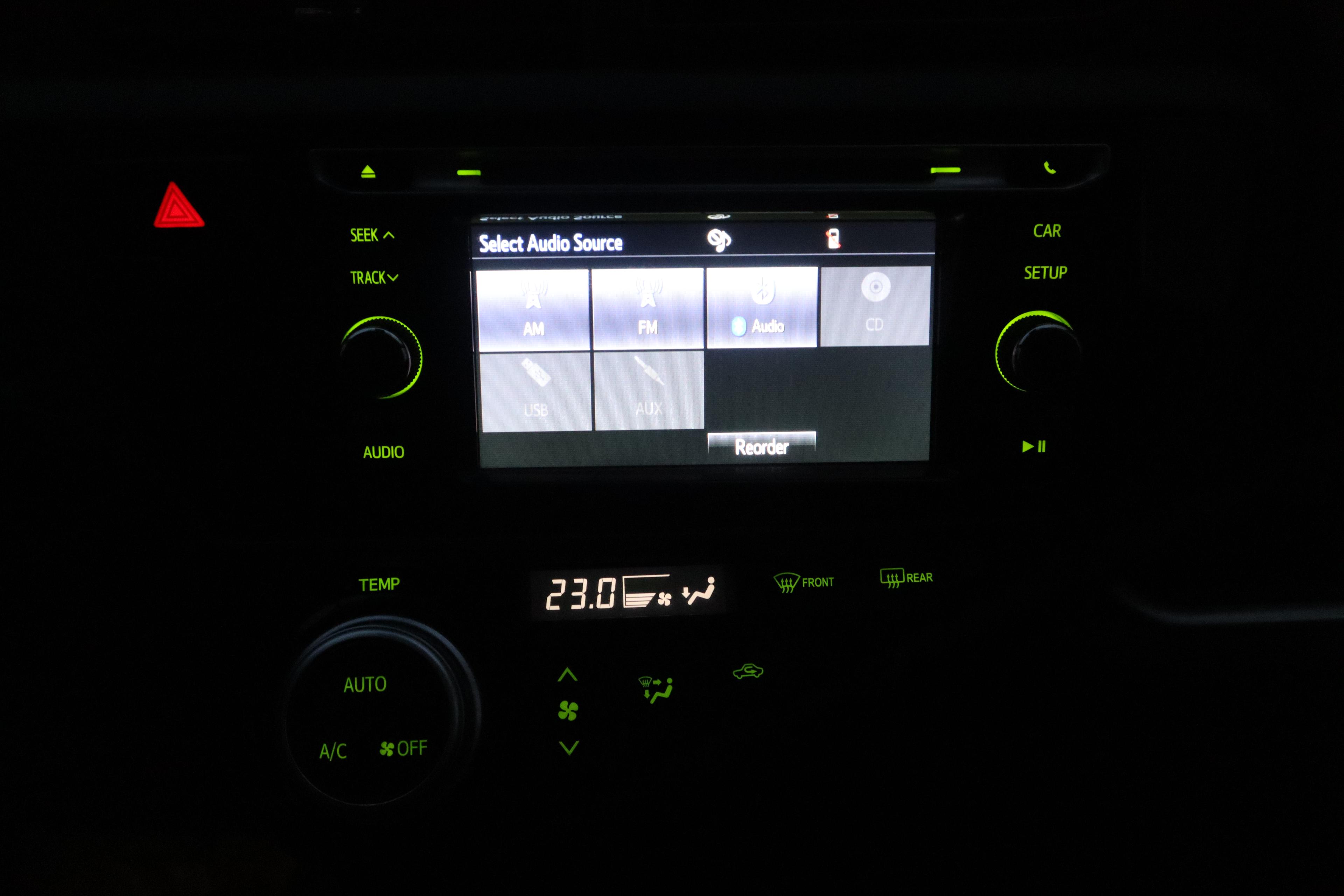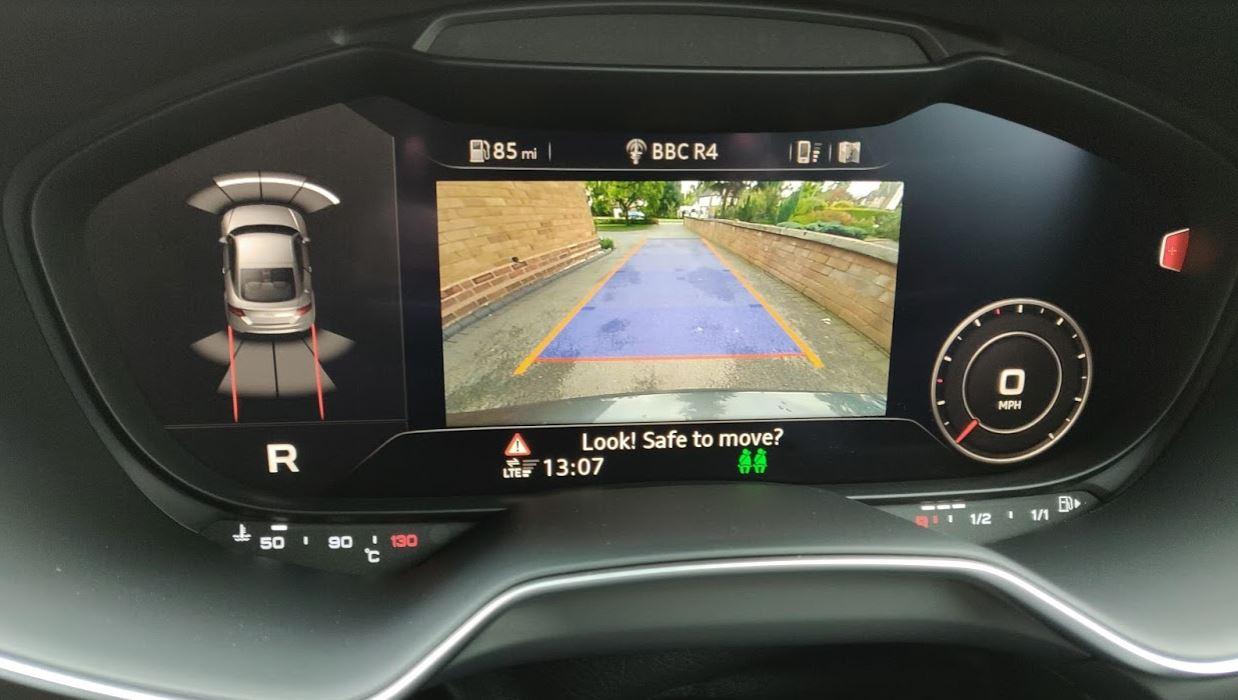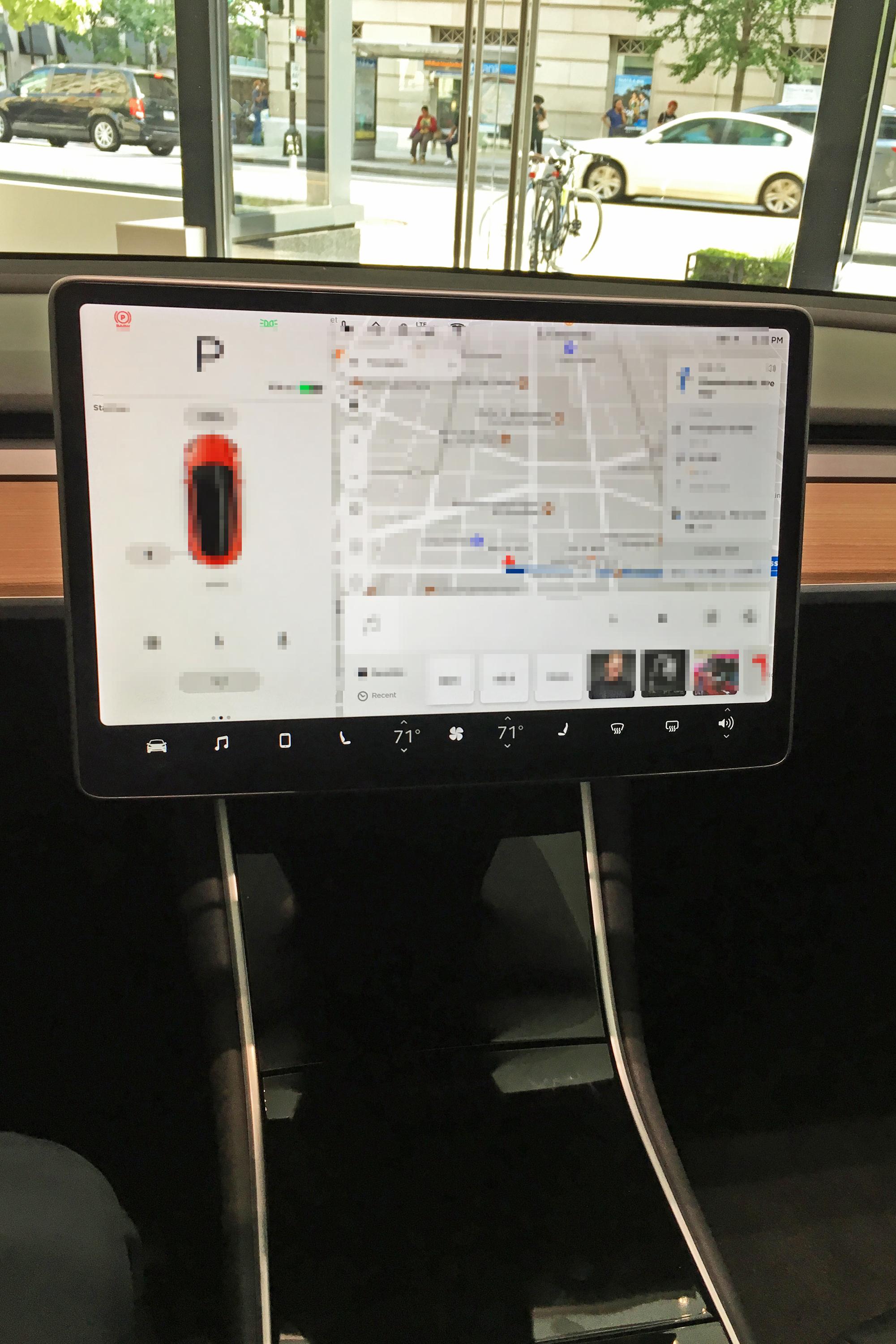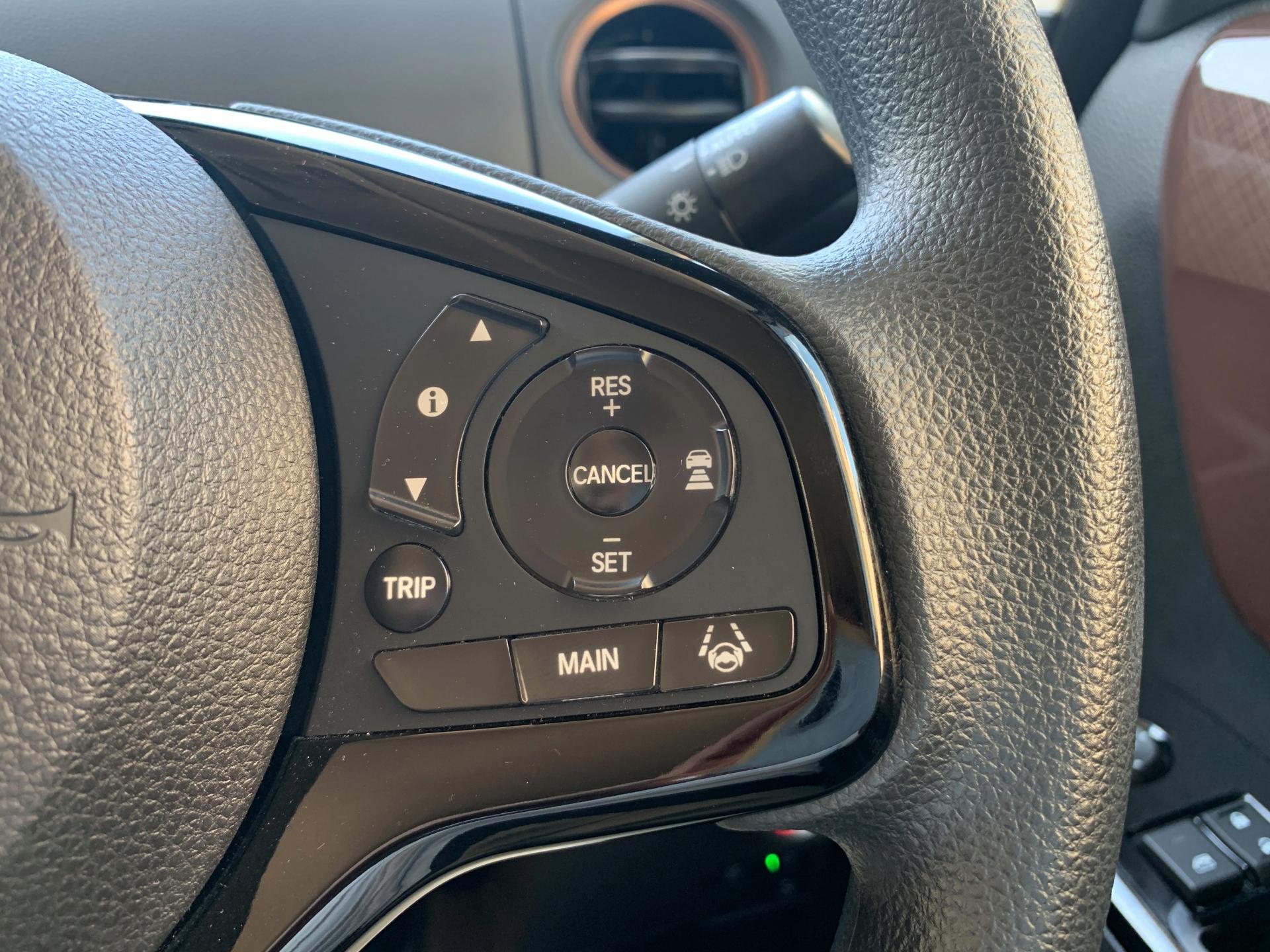

Honda steering-wheel buttons for adaptive cruise control. Illustrative control-layout context, not a test of system performance. Previews may crop the photograph.
Photo: Project Kei · CC BY-SA 4.0
A driver-assistance test drive should establish what the system does, when it is available and how the driver supervises it. Begin with a stationary explanation before deciding whether a normal drive can demonstrate it safely.
The Australian Government's ADAS guidance distinguishes assistance from an automated driving system. It says the human driver remains responsible when using ADAS and must oversee the task and intervene when needed.
Separate the features before driving
Ask the seller to name the fitted functions in the exact Australian variant. Record which feature manages speed, which provides steering assistance, and whether their availability or operation changes under different conditions.
Read the relevant manual sections. Marketing names, a camera count or a steering-wheel symbol do not explain the full operating limits. Ask how the system communicates that assistance is active, unavailable or ending.
For Level 2 terminology, focus on the driver's continuing responsibilities rather than using the number as a ranking of how little attention a car needs. The government's explanation is clear that supporting steering and speed does not, by itself, make the car automated.
Learn the controls while parked
Locate the activation, following-distance adjustment and cancellation controls. Ask the demonstrator to explain what the display symbols mean and how to recognise the system's status.
Record whether you can distinguish standby from active assistance without searching menus. Keep setup and unfamiliar screen adjustments for a safe stationary stop.
Ask what the manual says about road markings, weather, visibility, road type and other restrictions. Write the conditions down rather than asking for a blanket assurance that it works everywhere.
Compare a normal demonstration, not an emergency
Use the feature only where the manual permits, road conditions are suitable and the driver understands the controls. Maintain normal observation and control throughout.
Do not stage a cut-in, approach an obstacle to trigger braking, release attention, or create a lane departure as a test. If suitable conditions are unavailable, record the feature as not demonstrated and arrange a later explanation or appropriate demonstration.
After the drive, record supported conditions, control clarity, warnings and unanswered questions for each candidate. These observations are a usability comparison, not a safety certification or a claim that one drive proves reliability.
Our Subaru hands-free technology article is announcement context. Confirm what is actually fitted and permitted on the car you are buying.
Choose the vehicle on its complete fit for your driving. For information about financing the chosen vehicle, visit Loanseekers after confirming its fitted specification.