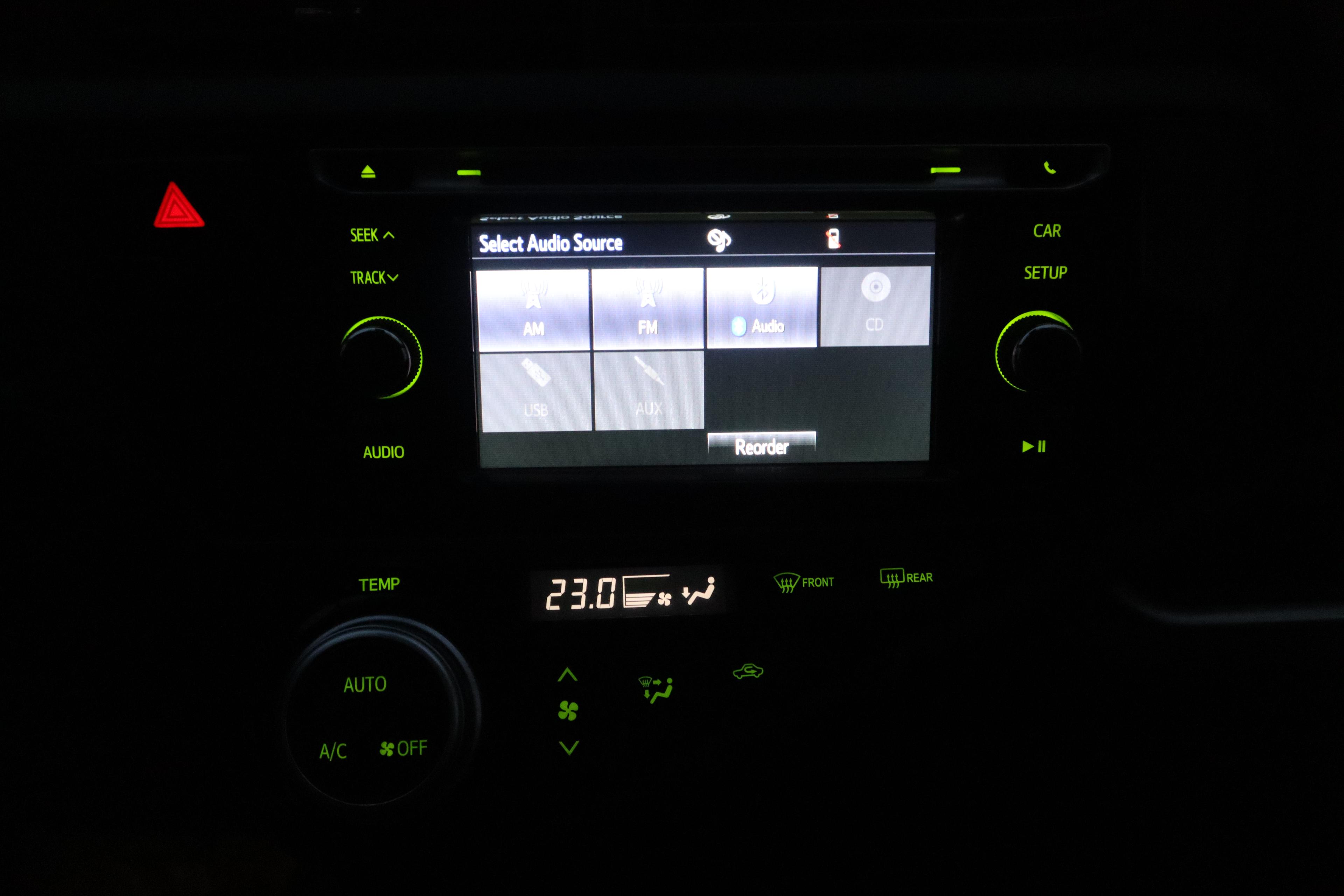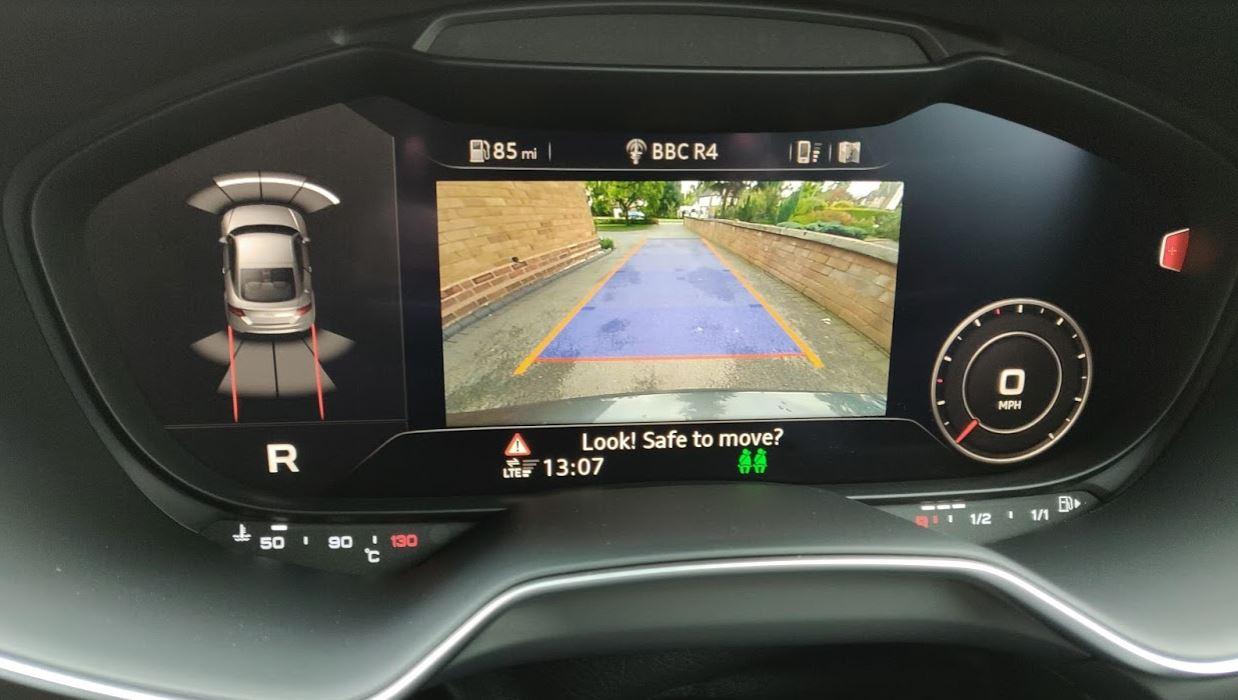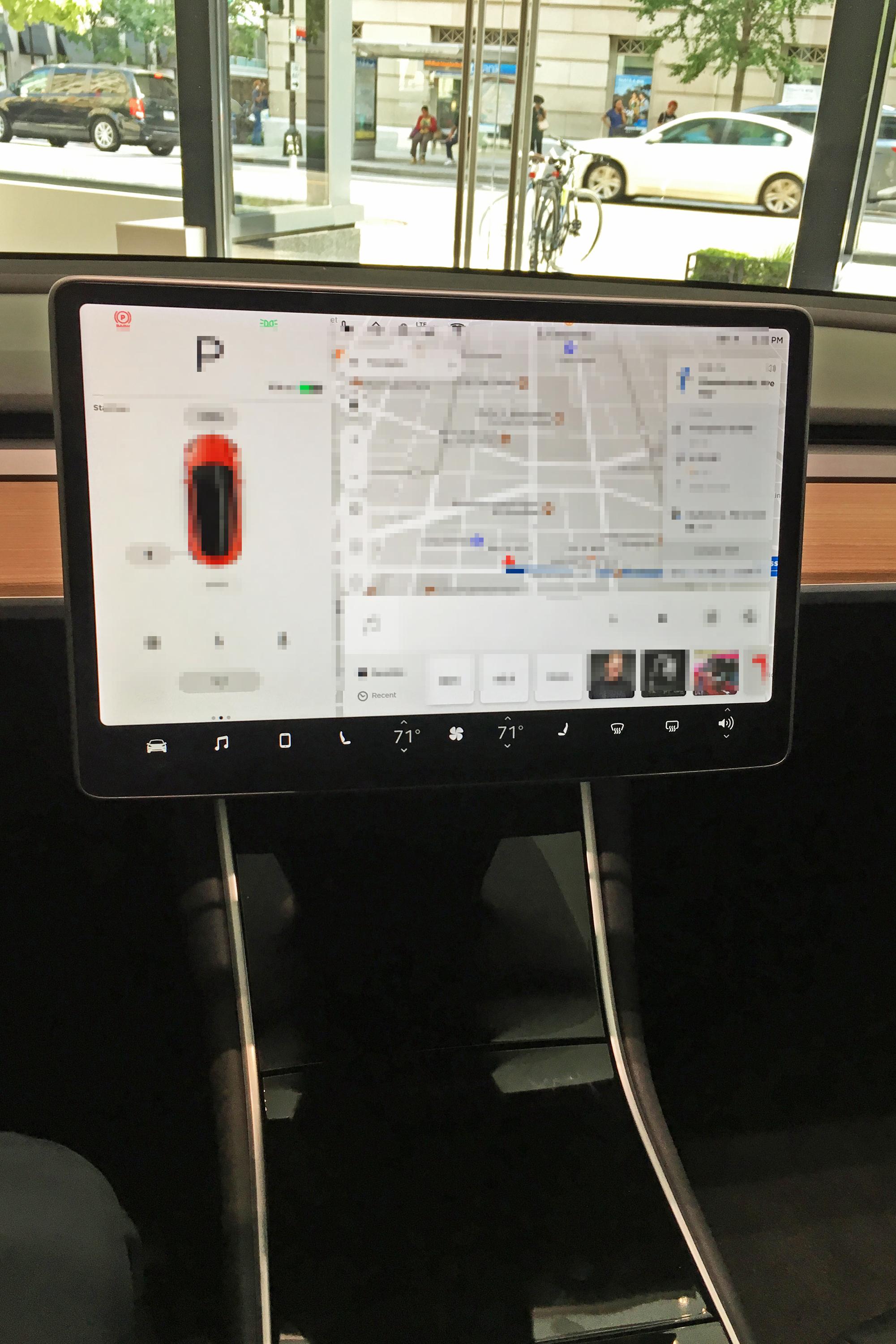
A Tesla Model 3 control screen photographed in Washington, DC, in 2018. Illustrative account-and-data context; screen content was blurred in the licensed original. Previews may crop the photograph.
Connected car apps need their own ownership handover. Plan account transfer, personal-data removal, digital access and physical keys as separate tasks, following the instructions for the actual vehicle.
A reset screen should not be treated as proof that every remote account relationship has ended. Ask the manufacturer how to confirm both data removal and ownership transfer.
Sellers: follow the correct sequence
Save documents you need for your records, then read the manufacturer's sale or transfer instructions before removing the car from your account. Identify shared drivers, digital keys, paired phones, saved addresses and any other access you have granted.
Tesla's Australian Model 3 ownership instructions give a concrete example: perform the factory reset before removing the vehicle from the account, because a reset is not available after that removal. Its transfer procedure is separate from the reset.
Do not reuse those menu steps for another brand. Toyota's Australian Connected Services terms require the seller to notify Toyota to organise deactivation and address active subscriptions. Follow the current process that applies to your vehicle.
Keep the manufacturer's transfer or cancellation confirmation. Do not share your account password with the buyer as a shortcut.
Buyers: establish your own access
Create your own manufacturer account and complete the required vehicle-ownership checks. Confirm the vehicle appears under your account and ask support to resolve any previous-owner association you cannot clear through the documented process.
Test permitted app functions while parked and with the seller's agreement. Check physical keys and any supplied key cards as well. Do not assume an app login replaces the vehicle's normal key handover.
Ask which subscriptions, upgrades or credits transfer. Tesla's instructions warn that some features and benefits might not transfer; a seller's screenshot is not confirmation of your entitlement.
Record what completion looks like
Use four lines: personal data cleared; previous owner removed or transfer confirmed; buyer access established; and keys plus digital access reconciled. Keep unresolved items open in the sale paperwork and contact manufacturer support.
Our connected-car privacy article discusses broader data questions. This handover is the practical ownership task: who can use the car and which personal information remains in it?
If you are financing the replacement vehicle, keep the sale and purchase documents separate from app access. For information about financing the next vehicle, see Loanseekers after reconciling the sale and purchase documents.
Digital access is one part of a used-car handover. Separately, follow our water-damage inspection checks and arrange a qualified inspection where condition is uncertain.